
A month you can read, not a spreadsheet you scroll
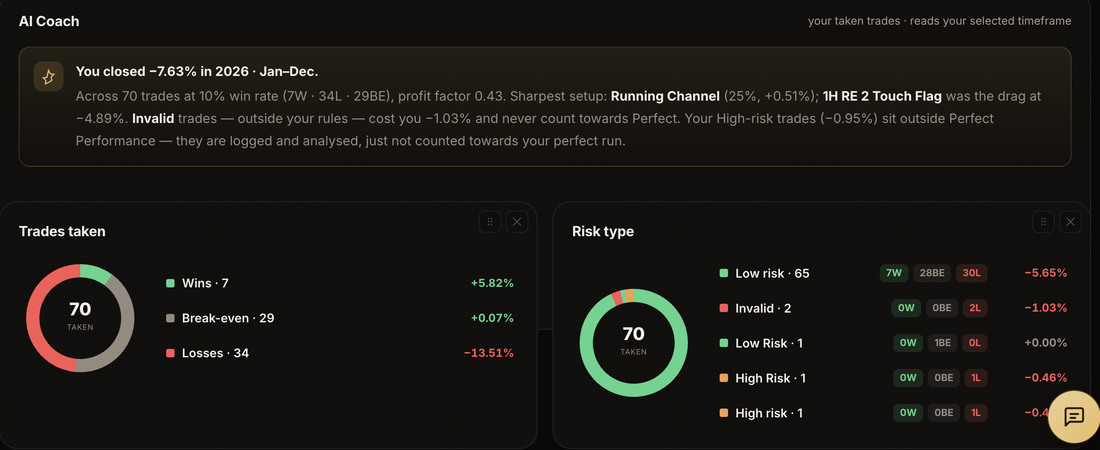
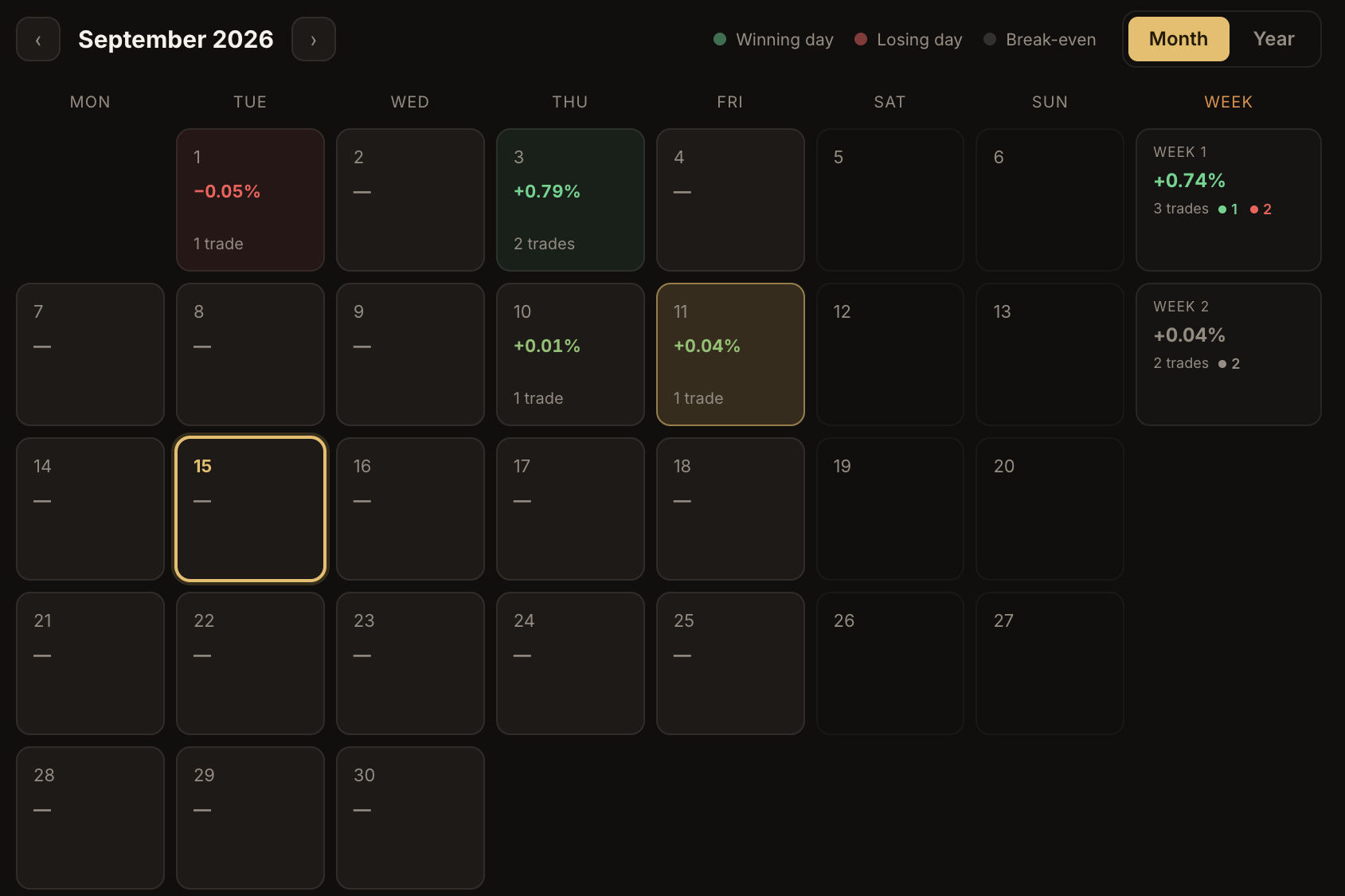
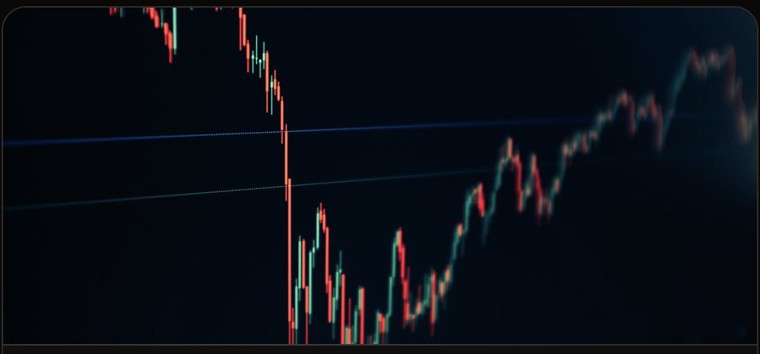
Every trade on a real calendar. Click a day to see what you took, what you wrote and what it made — with the charts you were looking at when you took it.
Notes. Waited for the sweep instead of front-running it. Second one was small on purpose — late in the session.
The month at a glance, the selected day beside it. Green, red and gold days are wins, losses and break-evens — and the £ / % toggle reframes every figure at once.
The problem
A list of trades is not a record of trading
A spreadsheet tells you a GBP/JPY long made £380 on the 16th. It does not tell you what the chart looked like, which session it was, whether it fitted your plan, or what you were thinking when you clicked buy.
So when the same setup comes round again, you are working from memory — and memory keeps the trade that hurt and quietly drops the four that did not.
The fix is not more columns. It is keeping the chart, the note and the number in the same place, on a view that shows you the shape of the month.
How it works
Log it once, and it is everywhere
Log the trade
Pair, date, direction, session, setup, risk type and outcome — Win, Loss or Break-even — with pips and P&L.
Write the Journal tab
Your notes on the trade, and the lesson you take from it. Screenshots attach to the trade or to the lesson.
It flows everywhere
The same entry feeds your calendar, Analytics, Gallery, your weekly review and your coach. Nothing is typed twice.
Logging a trade
Two tabs, not one long form
Trade holds the position — pair, outcome, screenshots, emotional tags and how well you executed it. Journal is for the writing.
Notes take bold, italic and underline, and there is no set structure on purpose: write it the way you would tell it to someone. Write the same words when the same thing happens again — that is what makes a lesson countable.
PAIR
SESSION
RISK TYPE
OUTCOME
PIPS
P&L
TRADE NOTES Journal tab
LESSON 1
The Journal tab of the Log Trade popup. Screenshots carry their own timeframe, and a lesson can carry its own chart.
Straight answers
What it is, and what it isn't
- Shows the month as a calendar, not a list
- Keeps before and after charts with the trade
- Takes formatted notes and countable lessons
- Imports history from MT4/MT5, cTrader, TradeZella, Notion or a spreadsheet
- Reframes every figure between £ and % with one toggle
- Connect to your broker to place trades
- Tell you what to trade, or score your setups for you
- Lock you in — export everything as JSON or CSV any time
- Make you re-type a trade to see it in Analytics